A month at a glance
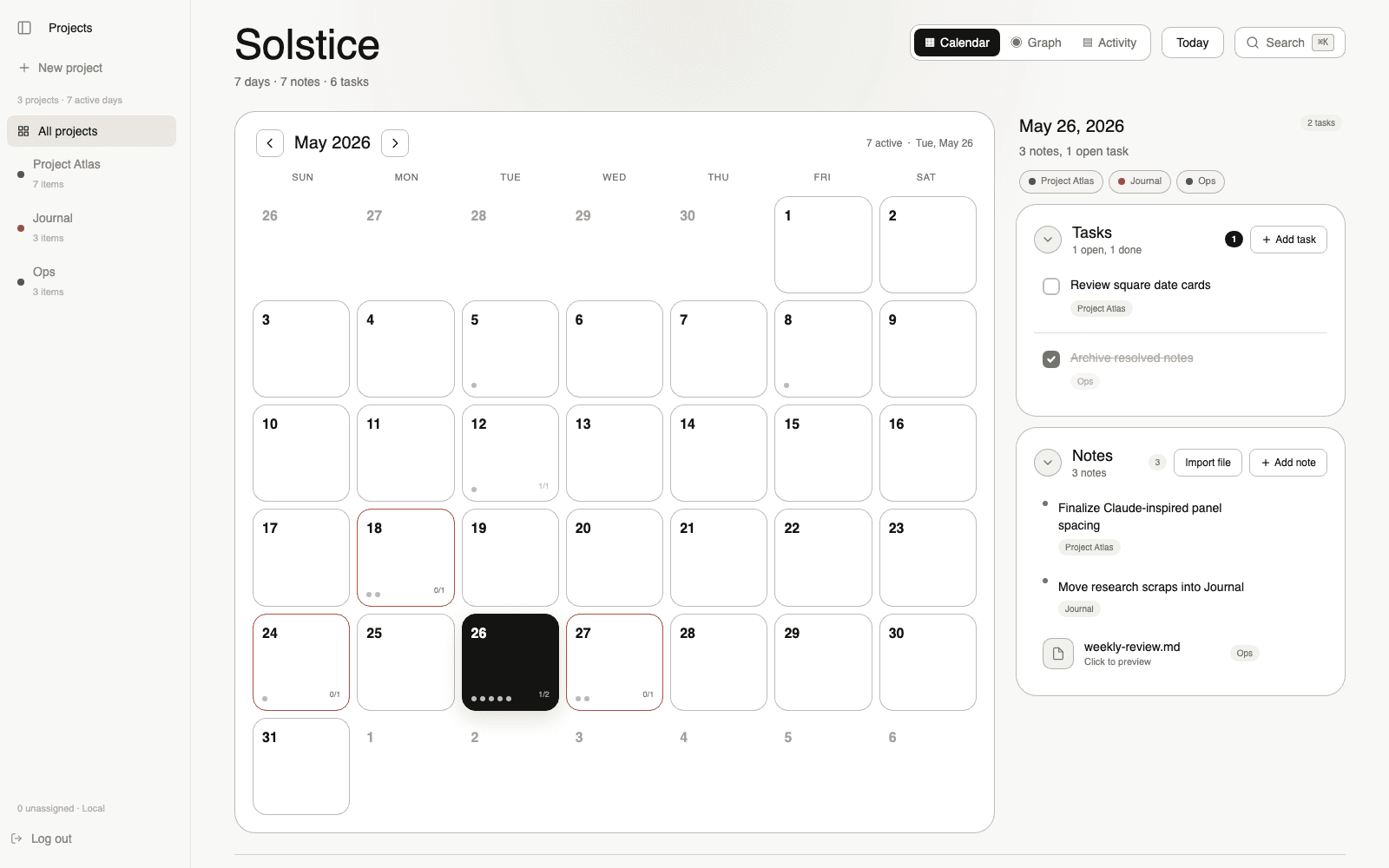
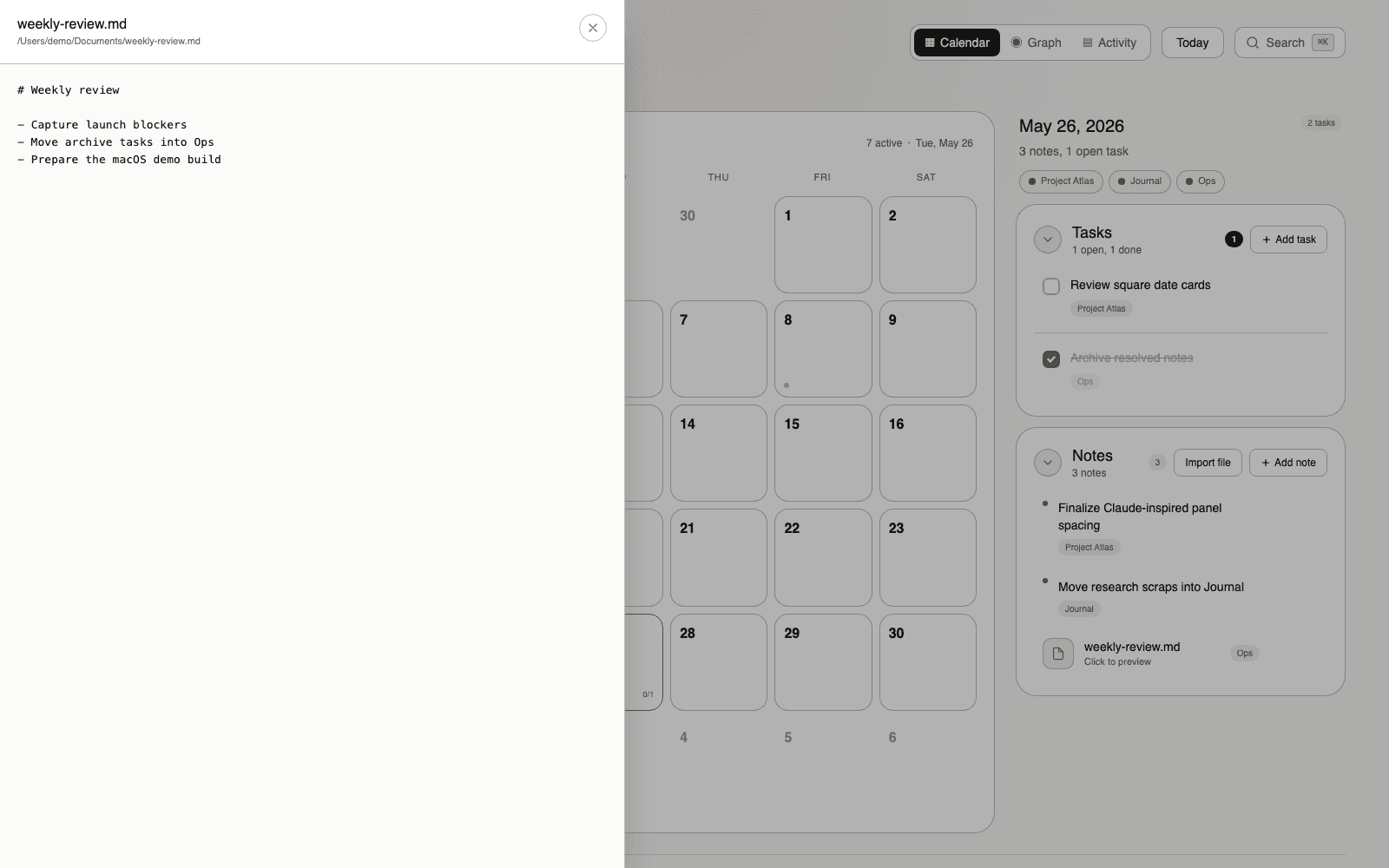
Square date cards in a quiet month grid. Scan a week without losing your place. No counters, no streaks, no noise — just your days.
Solstice
Notes and tasks organized by day, not by folder. Your work happens in days. Solstice keeps it that way.
What's inside
Square date cards in a quiet month grid. Scan a week without losing your place. No counters, no streaks, no noise — just your days.
The selected day opens on the right with notes and tasks inline. Edit in place. Drop links, paste images, write the way you think.
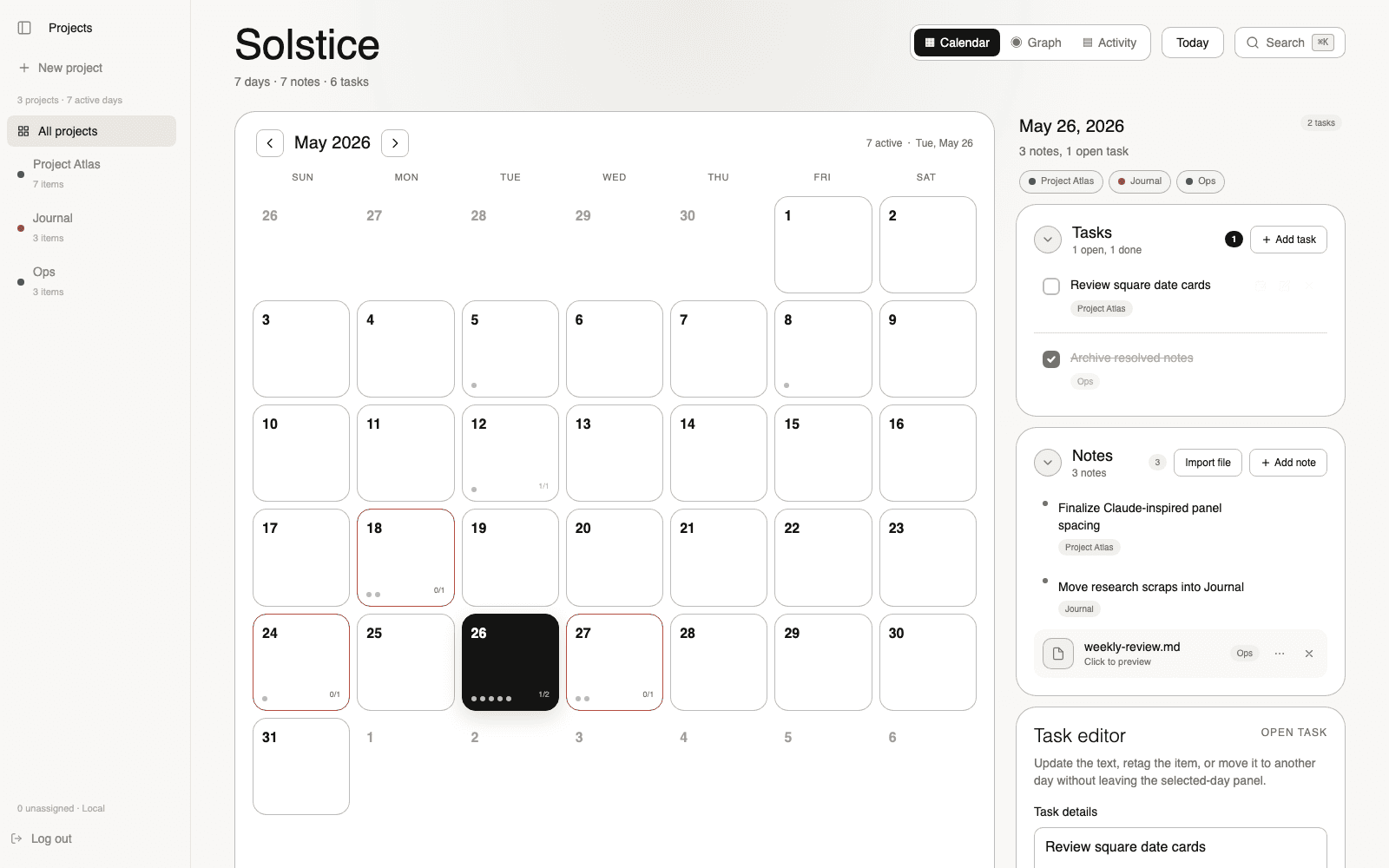
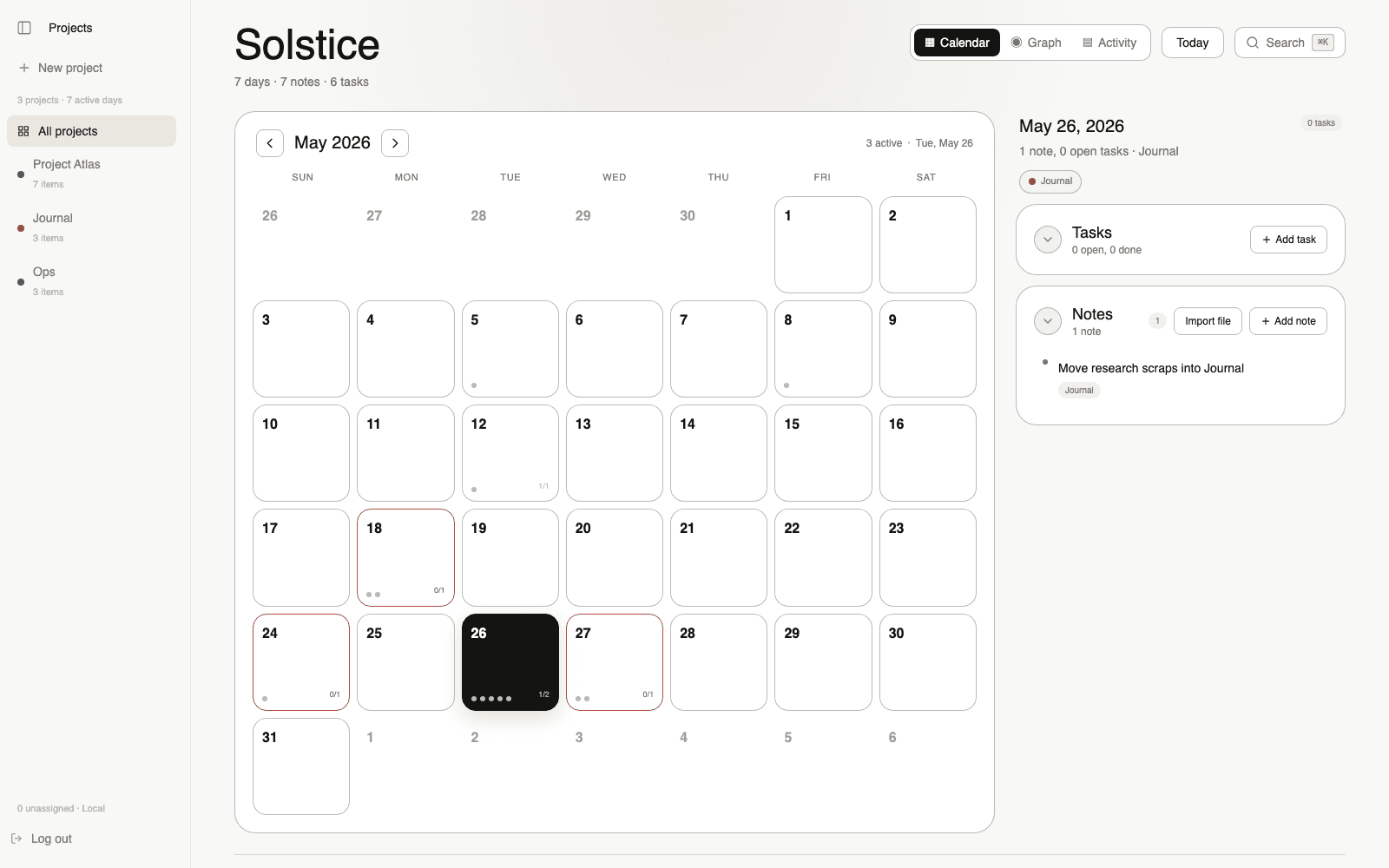
Group days by project on the left rail. Filter when you need focus, hide it when you don't. The planner stays the star.
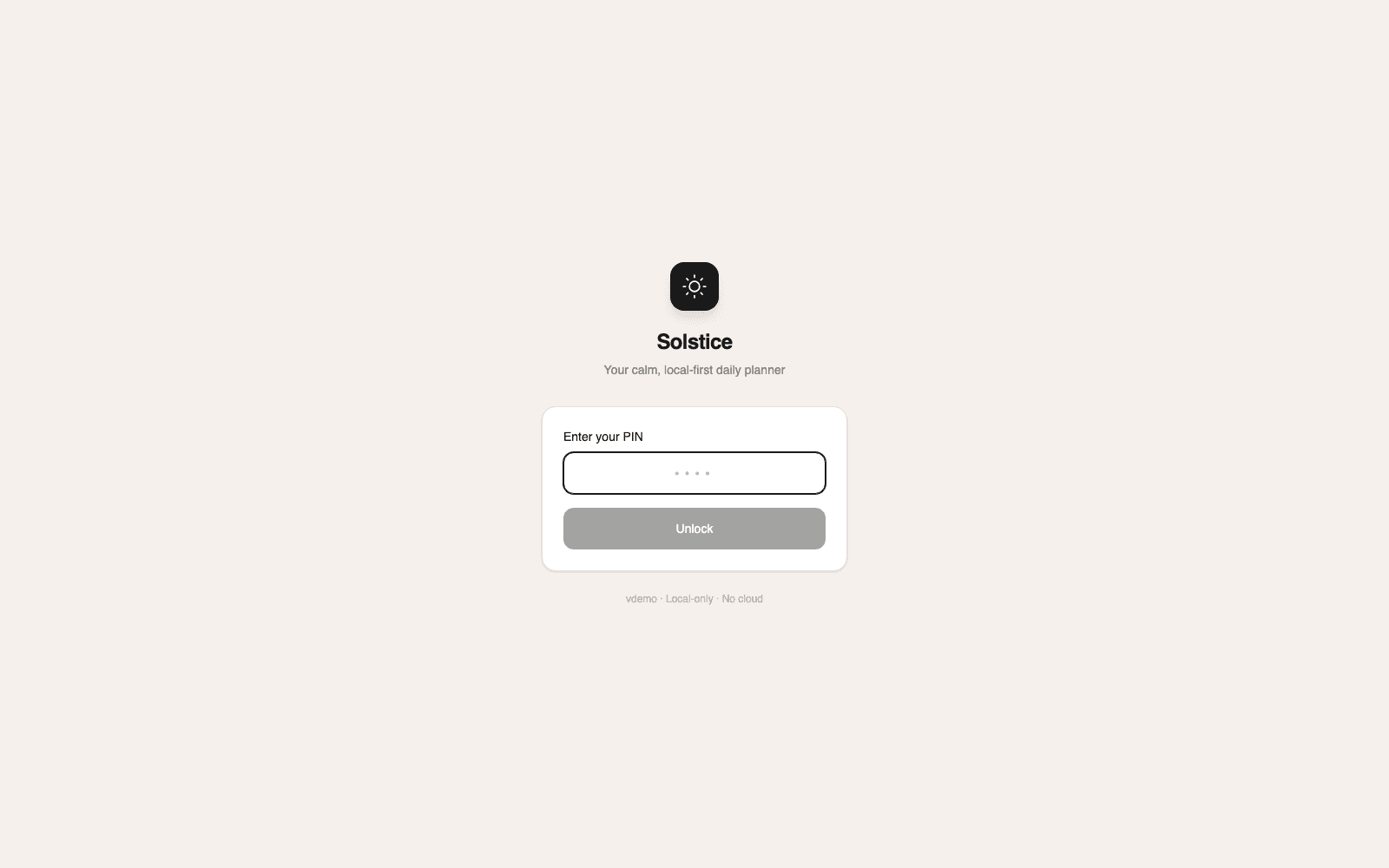
A static PIN unlocks the app. Everything lives in a single local folder you control. No accounts, no servers, no sync — unless you point your own Dropbox or iCloud at it.
Attach references, screenshots, PDFs to the day they belong to. Preview them inline without leaving the planner.
Questions
Your notes and tasks live in a single folder on your own machine. No cloud account, no syncing service in the loop. Back it up the way you back up everything else — Time Machine, Dropbox, iCloud, a git repo, anything.
macOS, Windows, and Linux. Same app, same data format on all three. Download the build for your OS from the GitHub release.
Yes. The desktop app is MIT-licensed and free to use. A paid tier with optional extras may arrive later — the core daily planner stays free.
Those are flexible canvases organized by folders or databases. Solstice organizes by days first. Open the app and you see this week, not a list of pages. If your work has a natural daily rhythm, that change in orientation is the whole point.
It’s already exported. Notes and tasks are plain files in a folder you own. Open them in any editor. Move them anywhere. Delete the app and your data stays where it is.
Solstice itself doesn’t sync. Point its data folder at your existing sync provider (Dropbox, iCloud Drive, Syncthing) and your days follow you. We keep that integration external on purpose — you choose what touches your files.